Learn how to download and convert videos from FuckTube™
Fucktube.com porn video downloader software Audials Tunebite
| Instruction for downloading videos from FuckTube™ |
|---|
| Start Audials. |
| Switch to the ”Save Video” view located in the “Streaming” section. |
| Click “Video Recording” if it is not already activated. |
| Select the profile with the desired file format from “Convert”. |
| Open FuckTube.com in your browser. |
| *Play the desired video on FuckTube™. |
| Click the rectangular “Download” button which appears in the browser on top of the video. |
| The video will now be downloaded and converted. The progress will be displayed next to it in the “Save Video” view. |
| After the recording is complete, the video will show up in the Audials player on the right side of your screen. |
| You can now play the video with Audials or drag and drop it into another application or Windows Explorer to export it. |

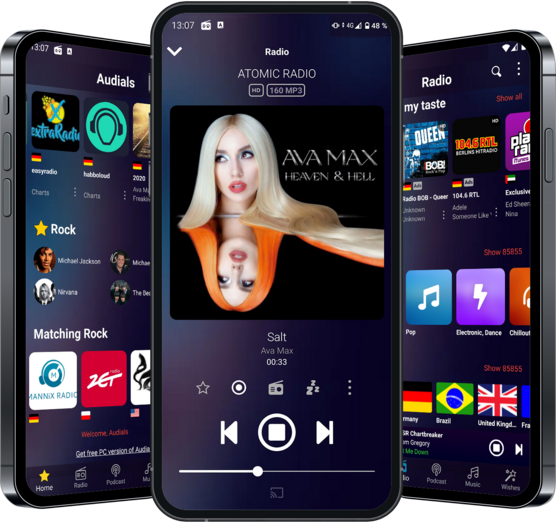
Audials for Android is the ideal companion for listening & recording of Radios with your Smartphone to go. Check it out!
It’s Popular. It’s Amazing. It’s Successful. And it’s Recognized. Audials is simply the best, most comprehensive digital entertainment software on the market - and that's not just our opinion:
Audials software is solely to be used to legally re-record protected media, to record music from legal online radios for personal use only.More information