All trademarks and logos shown are the property of their respective owners. They are used solely to illustrate compatibility and do not imply any business relationship, partnership, endorsement, or recommendation by the respective trademark owners.
New!
audials one
Record streaming. Do more with it.
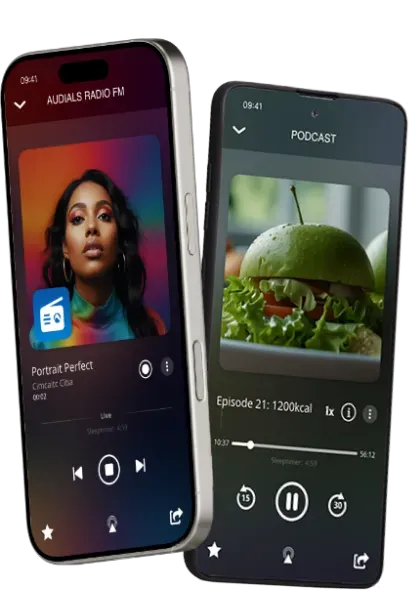
Save videos and music on your Windows PC. Enhance them with the latest AI and enjoy your favorite moments anywhere offline in top quality.
"Great product. I have used for over 5 years and multiple versions. Every issues encountered support dealt with quickly. Recommend."
"I love Audials, i have been using it for 9 yrs now."
"This is the all-In-one software you need for perfect captures of almost any format. I’ve been using this software since “Audials One Tunebite” came out in 2008! Audio and video quality are excellent."
Customer reviews are real. People shown are AI-generated and for illustration only.
Cookie Settings on audials.com: We use cookies to provide you with the best possible user experience, ensure security, enhance performance, and present personalized advertisements. Customize your preferences by clicking on "Configure". For more information, see our Privacy Policy and the Google Privacy & Terms